
Night demo
Resource detail should reduce uncertainty before the request goes deeper.
Venue clips help buyers review field lighting, spectator circulation, and the feel of event-ready environments at night.
 OULA LIGHTINGSearch the site
Sports and venue after-dark footage
This detail page explains what a buyer should expect from one video category and how it supports review, presentation, or internal approval.
This detail page explains what a buyer should expect from one video category and how it supports review, presentation, or internal approval.
Venue clips help buyers review field lighting, spectator circulation, and the feel of event-ready environments at night.
Stronger resource pages make the role of the content obvious, keep OULA visible, and move the visitor toward the correct next step without dead ends.
A stronger resource center uses more than one hero image. These supporting visuals make the page feel closer to a real asset library and give the content a clearer place inside the broader OULA story.

Start from the environment the video is meant to explain so the viewer knows what to look for before playback.
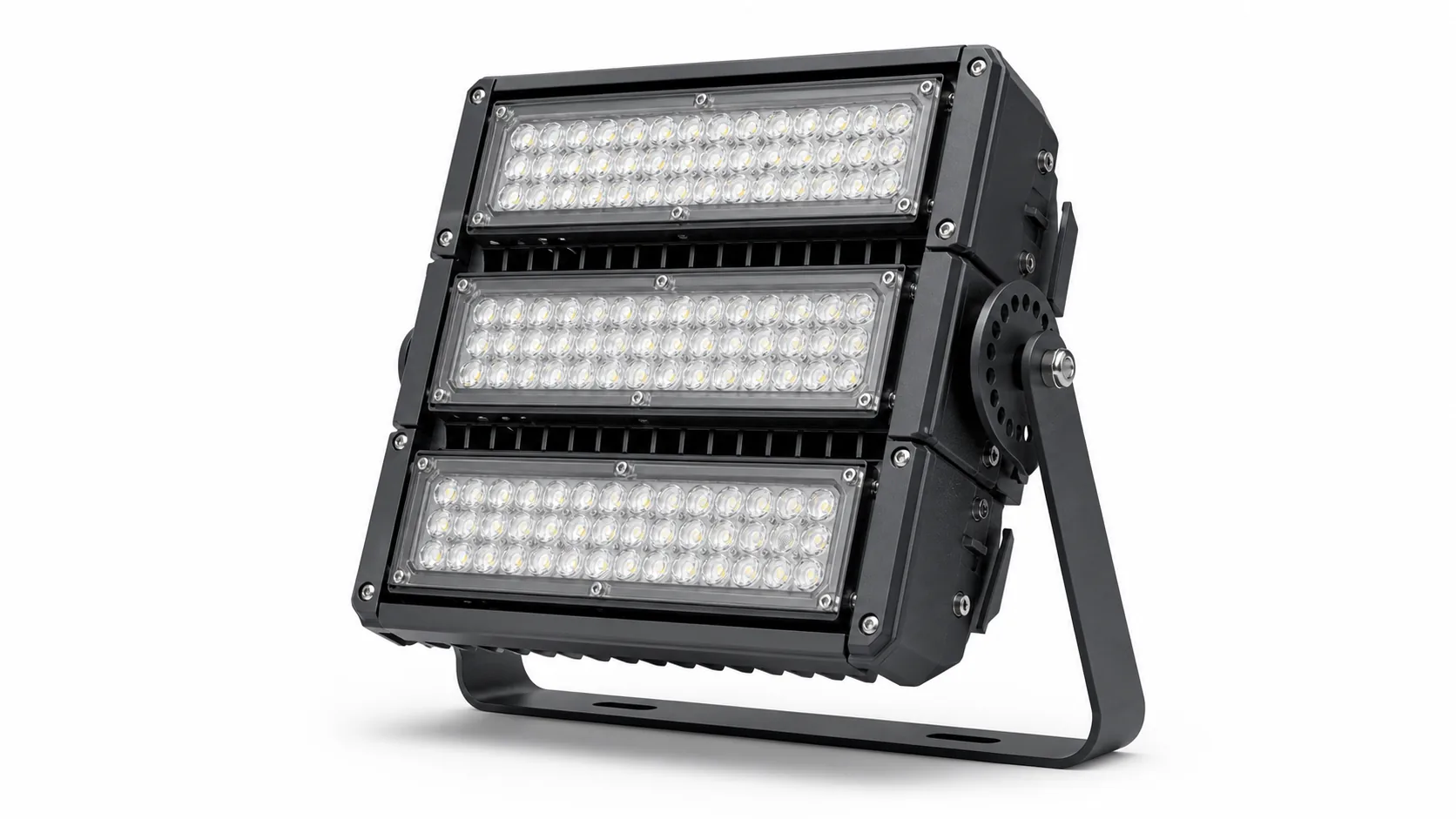
Use a second frame to show the product family or operating zone that the clip is clarifying.
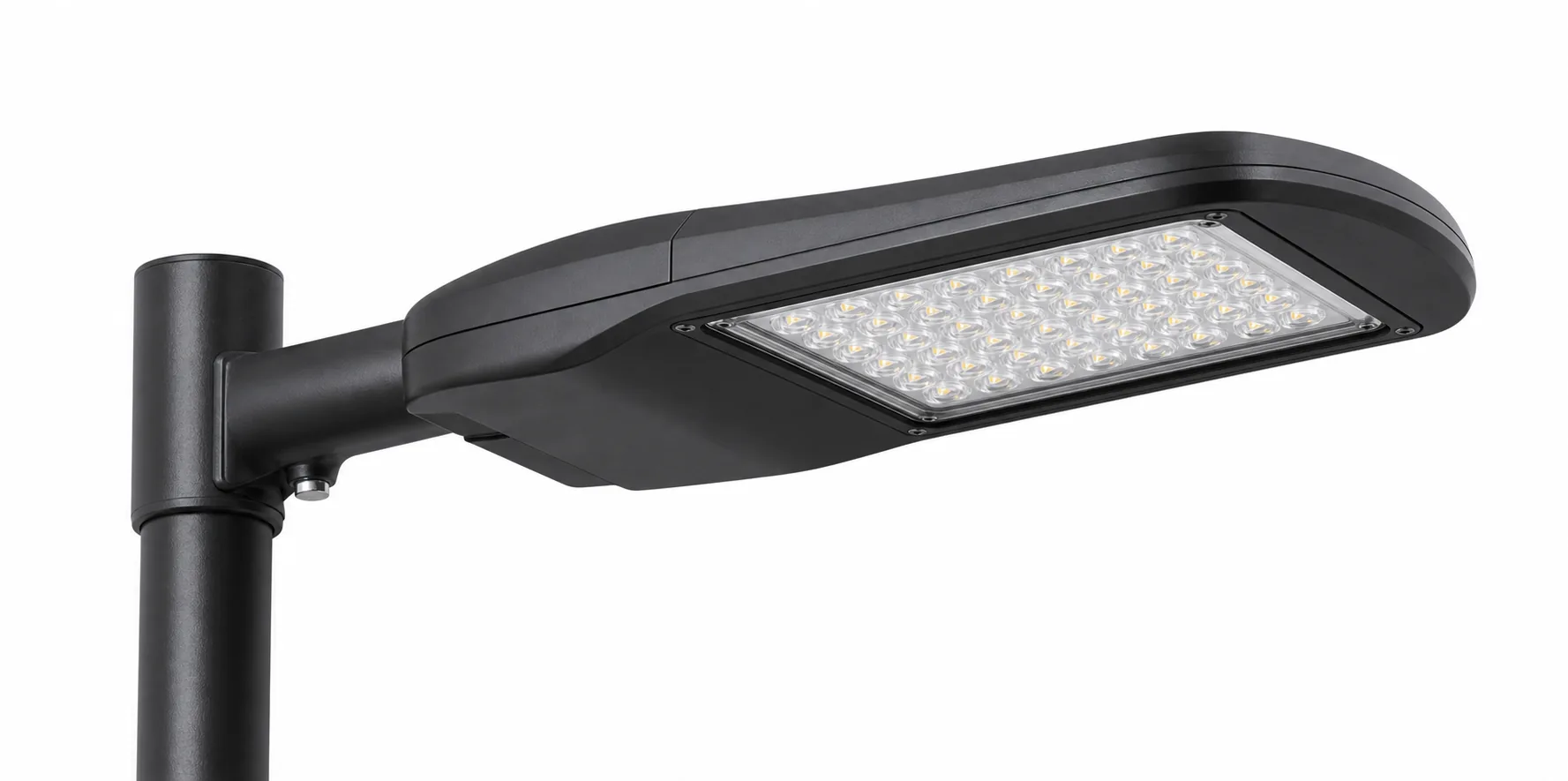
A supporting project image makes the preview feel like part of a working resource system, not just a loose media link.
The current player is wired for YouTube-based playback so the detail page behaves like a real media resource, not just a summary card.
The goal here is not to trap the visitor on a resource stub. It is to help them take the correct next step with clearer context.
Move from this resource detail page into the live site section that matches the application, product path, or support flow behind it.
View sports facilitiesReturn to the resource hub if you want to compare this item against the other document, video, guide, or FAQ paths in the same category.
Back to hubUse the related page when the conversation needs to expand beyond this one resource and into a broader project, support, or supplier workflow.
View all solutions