
Catalog
Resource detail should reduce uncertainty before the request goes deeper.
Use this material when the project needs dock safety, yard visibility, and traffic flow support around loading areas.
 OULA LIGHTINGSearch the site
Warehouse and logistics lighting deck
Use this detail page to understand what this document pack helps a buyer review before asking for the full file set.
Use this detail page to understand what this document pack helps a buyer review before asking for the full file set.

Use this material when the project needs dock safety, yard visibility, and traffic flow support around loading areas.
Stronger resource pages make the role of the content obvious, keep OULA visible, and move the visitor toward the correct next step without dead ends.
A stronger resource center uses more than one hero image. These supporting visuals make the page feel closer to a real asset library and give the content a clearer place inside the broader OULA story.
Lead with the project environment so the buyer understands the pack before opening a single page.
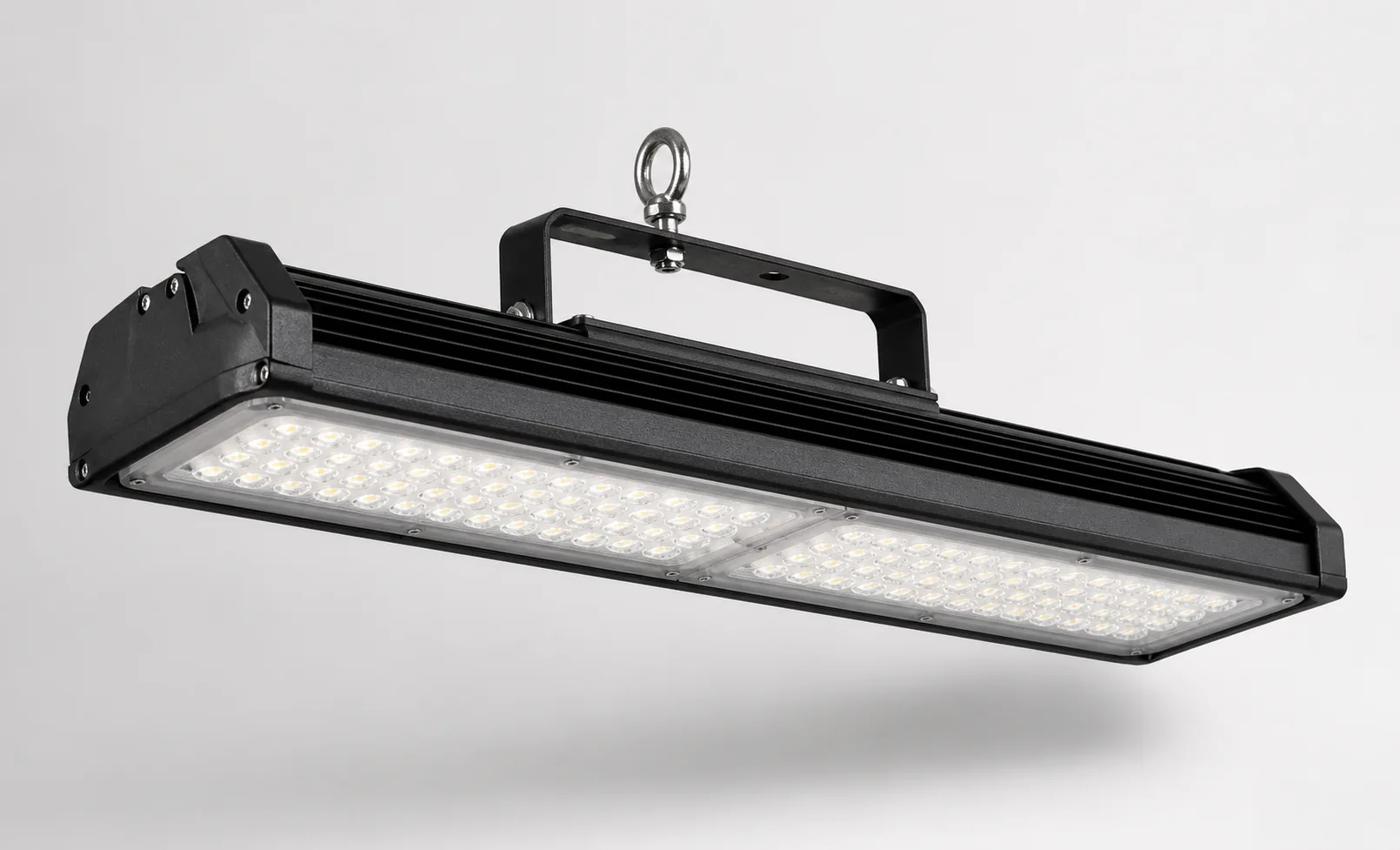
Use a supporting product visual to anchor the brochure in a real product family instead of a generic PDF label.
Keep the pack clearly inside the OULA resource system so document requests feel structured and intentional.
Start with the project type and the site conditions this document pack is built around.
Keep the buyer at line level first so the shortlist forms before detailed specification review.
Include the key performance markers that make the next question more precise instead of broader.
The goal here is not to trap the visitor on a resource stub. It is to help them take the correct next step with clearer context.
Move from this resource detail page into the live site section that matches the application, product path, or support flow behind it.
View warehouse solutionsReturn to the resource hub if you want to compare this item against the other document, video, guide, or FAQ paths in the same category.
Back to hubUse the related page when the conversation needs to expand beyond this one resource and into a broader project, support, or supplier workflow.
View OEM & ODM